Command-line geometry preparation
Broken geometry in.
Valid, simulation-ready surfaces out.
Betti prepares geometry for simulation and 3D printing. Meshes as real tools export them, with slivers, cracks, flipped faces, holes, overlapping parts and self-intersections, and CAD models as STEP files go in. Closed, valid surfaces and clean, even triangles or quads that stay true to the original shape come out.
One executable with no dependencies, for Linux, macOS and Windows on x86-64 and ARM. Free for non-commercial use.
What you can count on
Valid output
Results are closed and consistently oriented, without self-intersections, cracks or slivers, ready for a mesher, a solver or a slicer.
True to the shape
Sharp edges, holes and small steps are kept, and the surface stays within a distance of the original that you choose. betti verify measures it.
One executable
A single file with nothing to install beside it. It runs the same on a laptop, a workstation or a cluster node, and fits into scripts.
Real-world files
Built for geometry as it arrives: scans, exports from CAD and design tools, downloads, assemblies of overlapping parts.
For whom
Simulation engineers
- Repair and remesh surfaces into even triangles or quads for CFD and FEA.
- Mesh STEP models watertight, every triangle tagged by its CAD face, or heal them CAD to CAD.
- Mesh touching parts so they conform across their interfaces.
- Extract mid-surfaces for shell elements and centrelines for beams.
- Fill solids with particles for SPH, and build sphere clumps and packed beds for DEM.
3D printing
- Turn downloads and scans into closed, printable solids.
- Find thin walls before they fail, and turn a part for the least support.
- Hollow parts to a wall thickness, with drain holes.
- Cut, combine and simplify parts, and slice them into layers.
- Write 3MF, OBJ, PLY and more.
Results
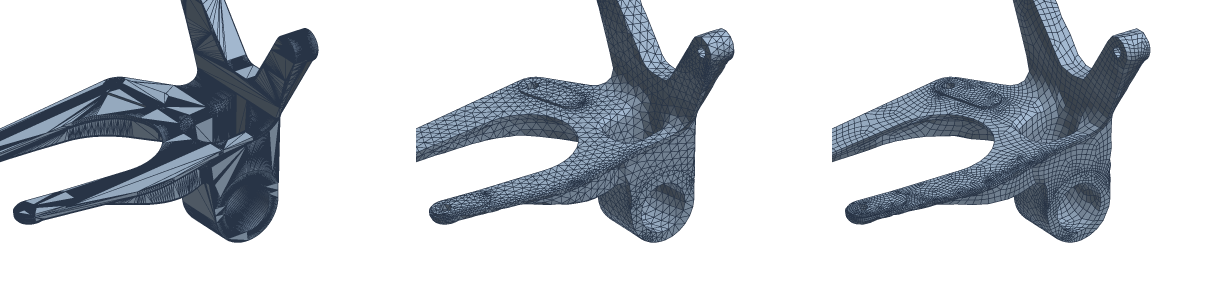
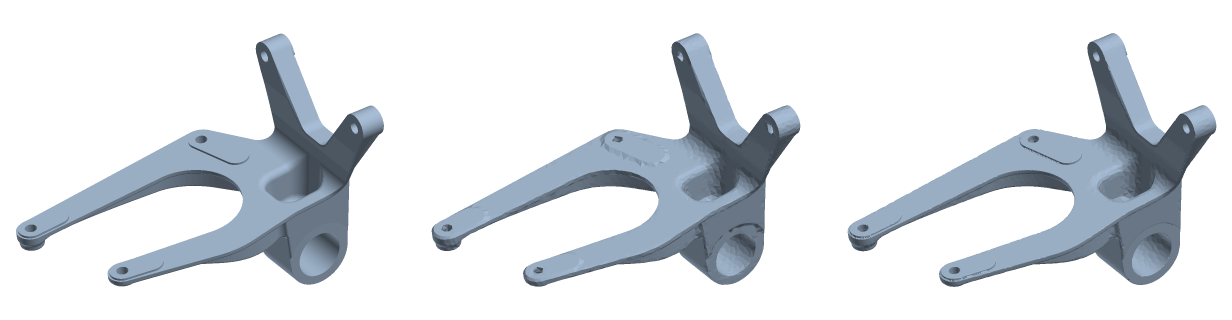
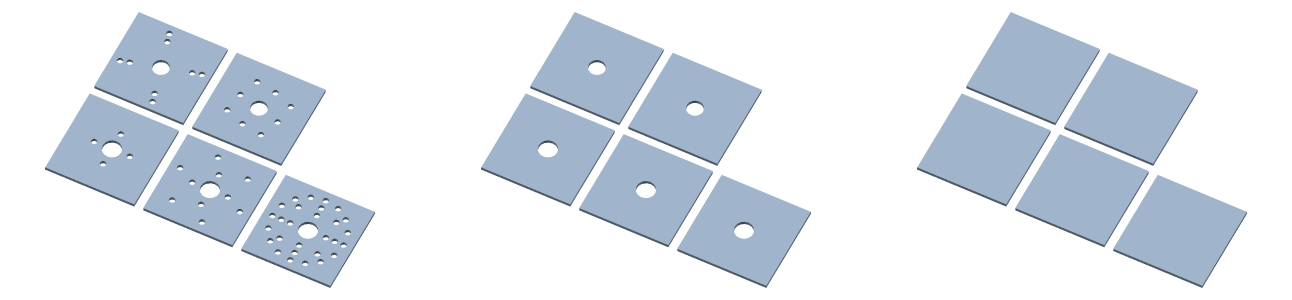
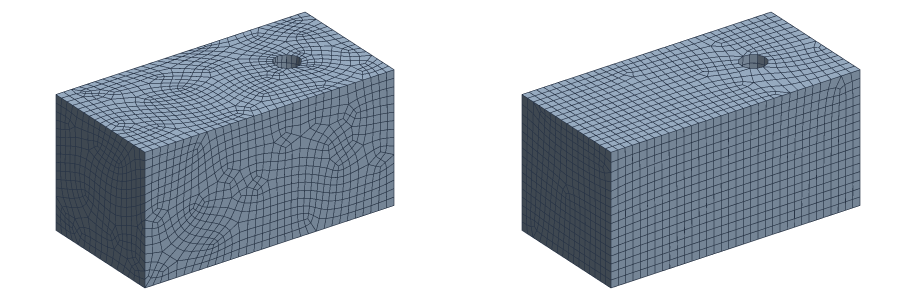
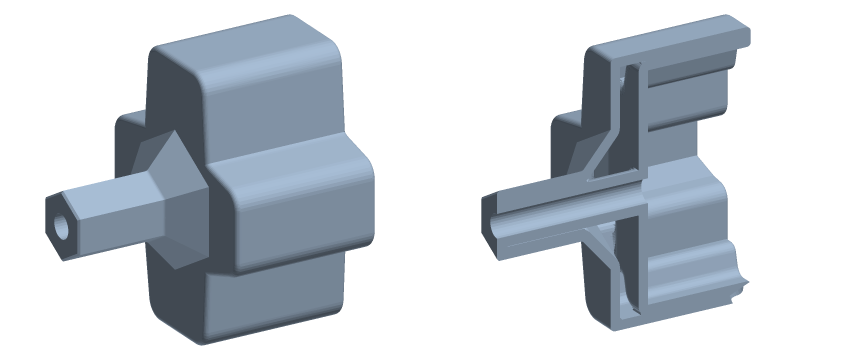
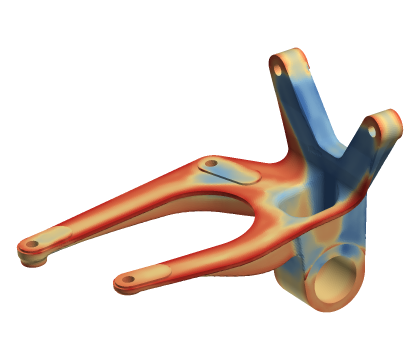
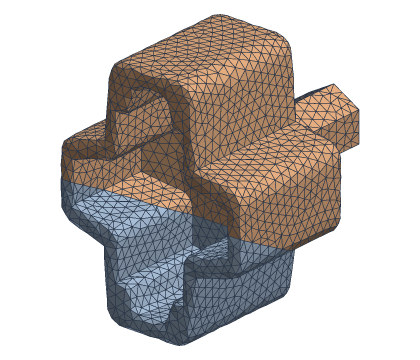
Quick start
Look at what a file is, repair it, remesh it at 1% of its size, and check the result against the input:
betti info part.stl
betti fix repair part.stl fixed.obj
betti mesh remesh -size 1% fixed.obj even.obj
betti verify part.stl even.obj
Or chain the steps on a mesh kept in memory, and mesh a STEP model watertight:
betti run part.stl out.obj fix repair + mesh remesh -size 1%
betti cad mesh part.step part.3mf
Every command explains itself: betti help lists them, betti fix lists a module's, and betti help fix repair shows a command's flags. The same text is in the docs.
Modules
Commands are grouped by module. Core is free and needs no sign-in; the others are granted on request, free for non-commercial use.
Core Free
Inspect, measure, verify, convert, chain steps.
Fix
Repair, orient, keep the outer shell, denoise, wrap, rebuild.
Mesh
Even triangles or quads, assemblies, mid-surfaces, centrelines.
Shape
Cut, combine, hollow, defeature, split into convex parts.
CAD
STEP in: check, heal, mesh watertight, find primitive surfaces.
Additive manufacturing
Place on the bed, slice into layers, measure wall thickness.
Particles
Particles for SPH, sphere clumps and packed beds for DEM.
The name
Betti is named after Enrico Betti, whose numbers count a shape's pieces, tunnels and voids: what repair has to get right, and what every result is checked to keep.
Betti was called edgewise up to v0.17; v0.18.0 is the first release as Betti.