Shape On request
Change a solid's shape and get a closed, valid solid back.
Cut a solid by a plane into two closed halves, combine two solids by union, intersection or difference, hollow a part to a wall thickness with drain holes, remove small holes, pockets, bosses and text before meshing, or split a solid into convex parts, as for collision detection.
The shape module is granted on request, free for non-commercial use; see access and licensing.
Commands
betti shape cut
Cut a solid by a plane into two closed solids.
betti shape cut -plane z=10 part.stl below.obj above.objbetti shape offset
The surface at a distance outside or inside a solid.
betti shape offset -distance 2 part.stl outer.objbetti shape hollow
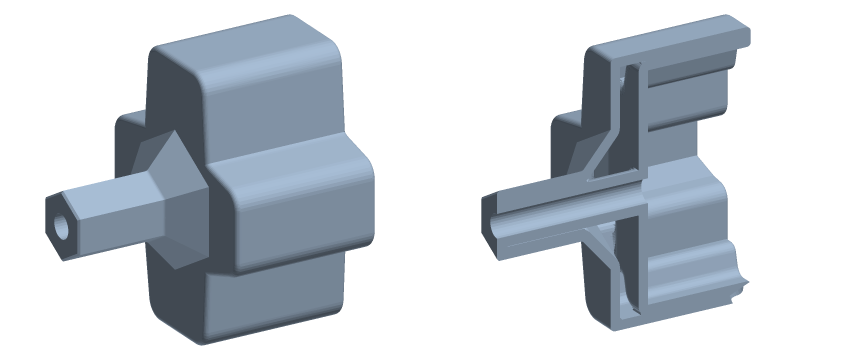
Hollow a solid out to a shell, with drain holes.
betti shape hollow -wall 2 -drain 0,0,0,3 part.stl hollow.3mfbetti shape defeature
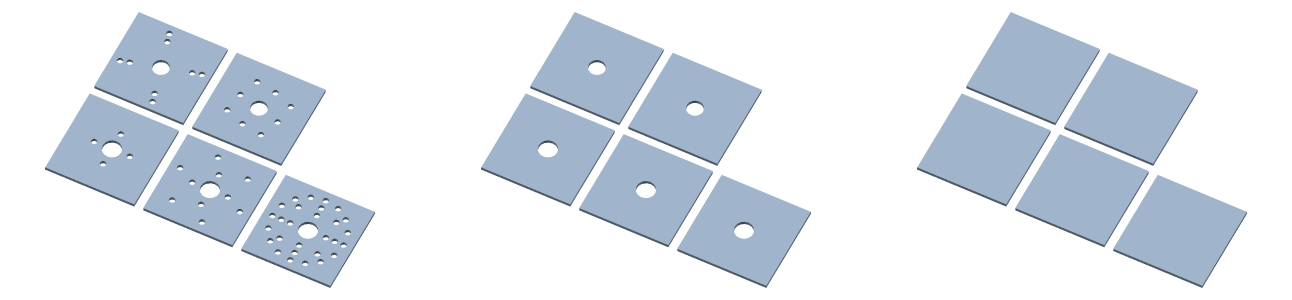
Remove small holes, pockets, bosses and text.
betti shape defeature -size 2 part.stl plain.objbetti shape decompose
Split a solid into convex hulls, as for collision detection.
betti shape decompose part.stl hulls.obj